
3 Easy Ways to Reset an Air Conditioning Unit That’s Not Working
- SURESH K
- Aug 26, 2025
- 2 min read

Air conditioners are lifesavers during hot and humid days. But like any machine, they sometimes stop working or blow warm air instead of cooling. Before calling a technician, one simple step you can try is resetting your AC unit. Many minor issues—like power fluctuations, tripped breakers, or internal errors—can often be fixed with a quick reset.
In this blog, we’ll go through three easy ways to reset an air conditioning unit safely and effectively.
Why Resetting an AC Works
Modern air conditioning systems have built-in safety features and sensors that shut down the unit during electrical surges or overloads. While this protects the system from damage, it can leave your AC unresponsive until it’s reset. Resetting the unit restores the system to its default settings and clears temporary faults.
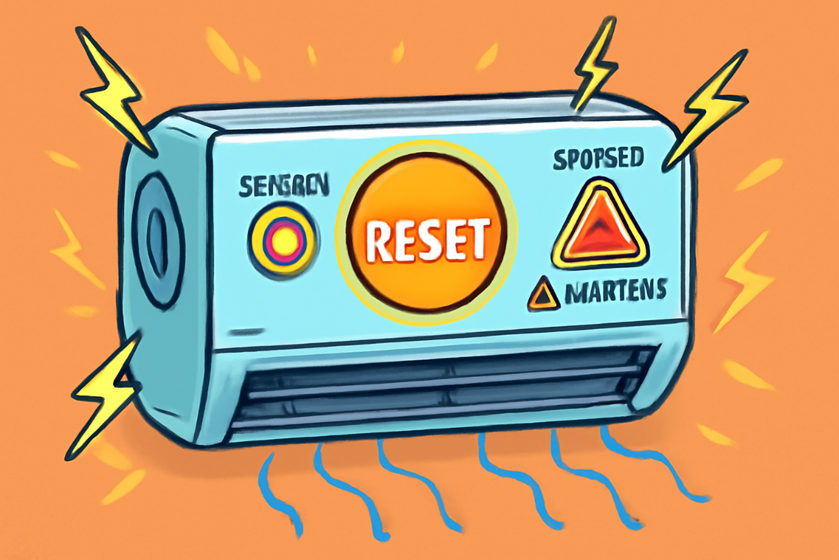
1. Reset the AC Using the Reset Button
Many air conditioners—especially modern split and window units—come with a reset button.
Steps to follow:
Locate the reset button (usually red and small). You’ll find it on the control panel or inside the outdoor unit.
Turn off the AC from the thermostat.
Press and hold the reset button for 3–5 seconds.
Release and wait for the AC to restart.
Tip: If your unit doesn’t have a reset button, don’t worry—you can still use the next two methods.
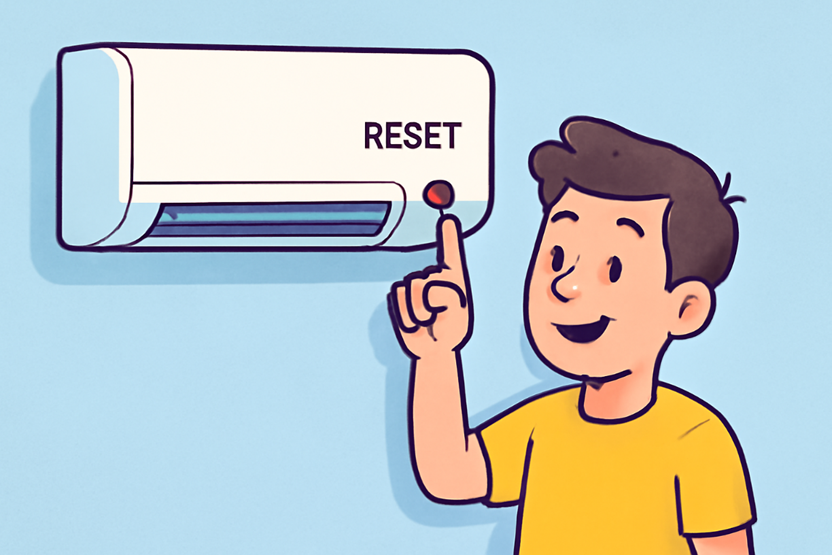
2. Reset from the Circuit Breaker
Sometimes, a tripped breaker interrupts power to your AC. Resetting the breaker can solve the problem.
Steps to follow:
Locate your home’s electrical panel.
Find the breaker labeled “AC” or “HVAC.”
Flip the breaker to OFF, wait 30 seconds, then switch it back to ON.
Turn on your thermostat and check if cool air starts blowing.
Tip: If the breaker keeps tripping, don’t force it—this could mean a deeper electrical issue that requires a professional.

3. Reset Through the Thermostat
In many central air systems, the thermostat itself may be the problem. Resetting it can refresh communication with the AC.
Steps to follow:
Turn your thermostat off.
Remove it from the wall (for battery-powered models) and take out the batteries.
Wait 30 seconds before reinserting them.
Reattach the thermostat and turn it back on.
Set the thermostat to cool mode and your desired temperature.
Tip: If you have a smart thermostat, follow the manufacturer’s instructions for performing a reset.

When to Call a Professional
If your AC still doesn’t start cooling after these resets, the issue could be bigger—like a faulty capacitor, refrigerant leak, or motor problem. In such cases, it’s best to contact a certified HVAC technician.


Comments